Know what belongs where
Keep available, sold, private collection and archived works separated without losing the full story.
Artist archive
Keep your artworks organized with clear artwork information for available, sold, private collection and archived pieces.
The problem
Images sit in folders, sold works disappear into old emails, and details are spread across notes. PieceStamp gives every artwork one clear artwork page.
What PieceStamp helps with
Keep available, sold, private collection and archived works separated without losing the full story.
Use artworks for story pages, QR labels, certificates and future collector communication.
The dashboard is designed for artists who want clarity, not complicated inventory software.
How it works
Start with image, title, year, medium, dimensions and story.
Mark works as available, sold, private collection or archived.
Turn each record into a public story page, QR story tag or private certificate.
For artists
PieceStamp is not built like complex inventory software. It is built for artists who want their work to feel organized and premium.
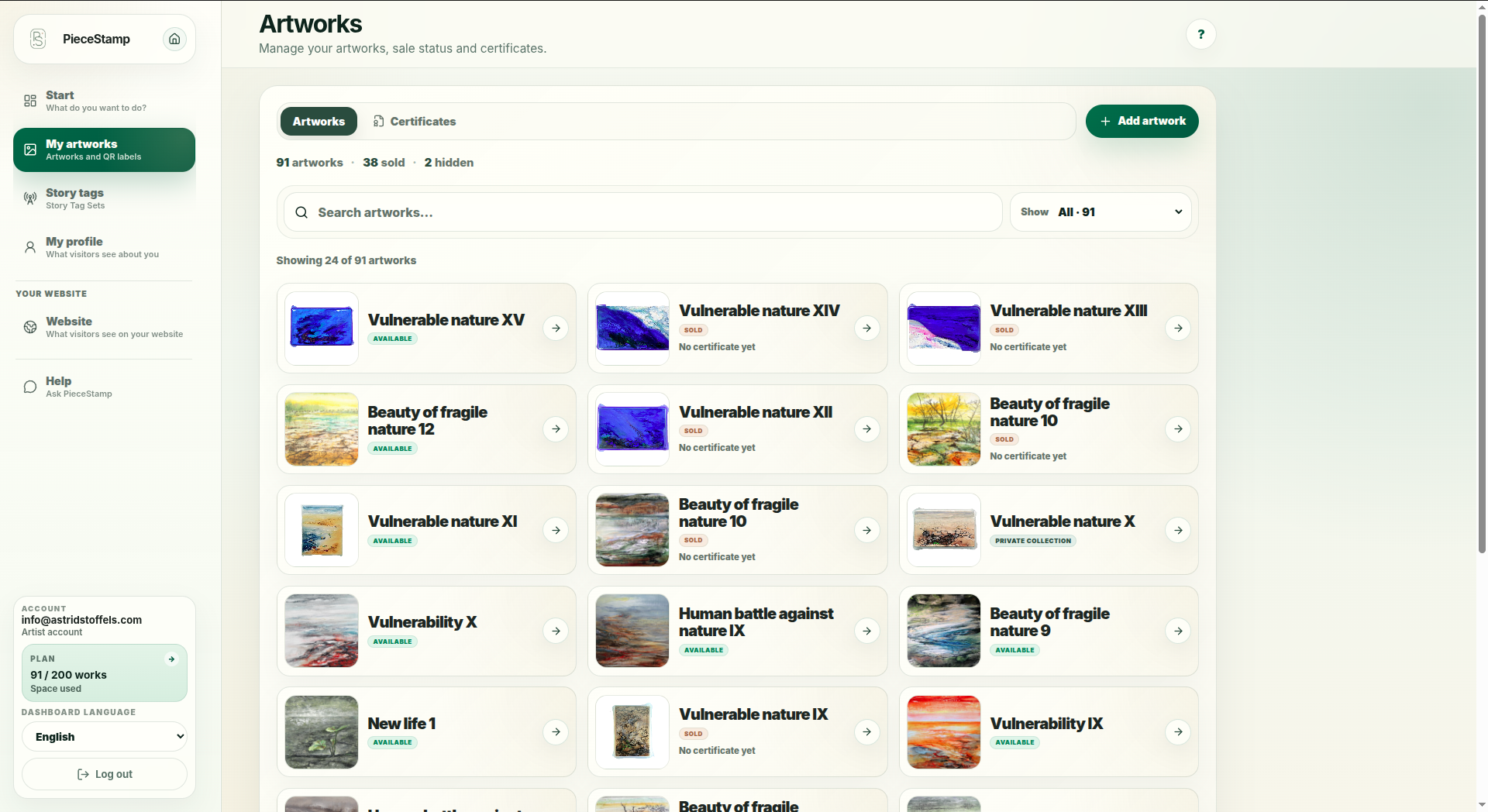
Real example
Visual artist Astrid Stoffels keeps 91 artworks organized by status in one PieceStamp dashboard, connected to her artist website.
See a real digital art archive in useFAQ
Yes. You can create artwork information for artworks and keep their status organized in one dashboard.
Yes. Sold and private collection works can still stay in your archive and remain connected to their certificate or story page.
No. PieceStamp is intentionally simpler. It focuses on artworks, public story pages, QR tags and private certificates.
Start with your next artwork
You do not need to organize everything at once. Start with one artwork and grow from there.