Better exhibition experience
Visitors can read the story while standing next to the real artwork.
QR story tag
A QR story tag lets visitors scan the code next to a physical artwork and open a calm public story page with the story, details and artist note behind it.
The problem
A title, year and medium are useful, but many artworks need more context. PieceStamp turns a simple QR code into a beautiful gateway to the artwork story.
What PieceStamp helps with
Visitors can read the story while standing next to the real artwork.
Keep the physical wall label clean and let the digital page carry the deeper story.
The same story link can live in a portfolio, email, social post or on the back of the artwork.
How it works
Add image, story, artist note and artwork details.
Use the QR code or story tag for exhibitions, portfolios or studio visits.
People open the public story page without installing an app.
Calm and useful
The QR tag should feel like part of the artwork experience, not like an advertisement.
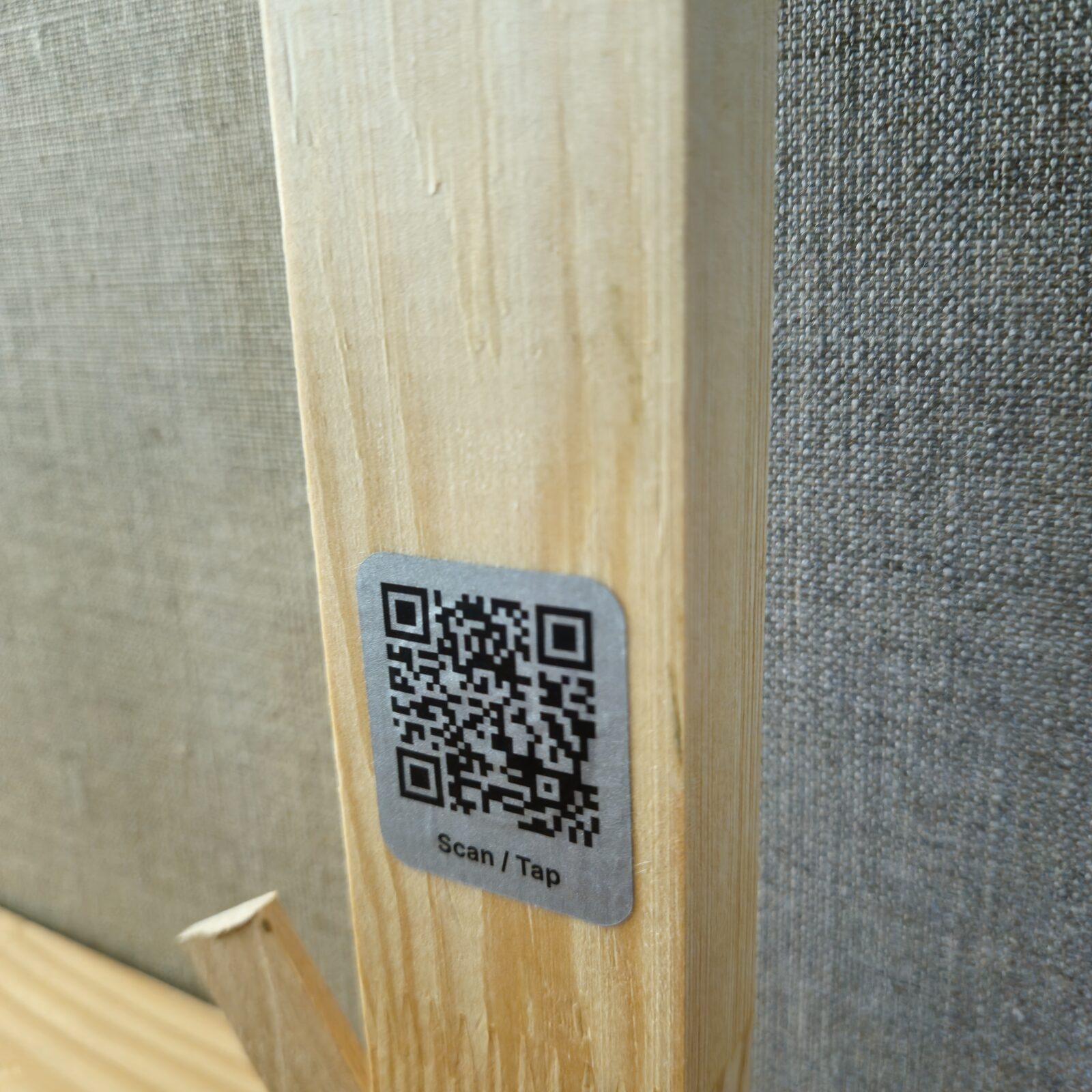
Real example
Visual artist Astrid Stoffels uses Story Tags on the back of her paintings, near the artwork or at an exhibition, so visitors can open the public story page.
See real Story Tags in useFAQ
Yes. The QR story tag can be printed on a label next to the artwork or used in open studios, fairs and portfolios.
No. They scan with their phone camera and open the public artwork story page in the browser.
Yes. You manage the artwork in the dashboard and can improve the story or details later.
Make the work easier to understand
Start with one artwork and see how the QR story tag connects the physical piece to its digital story.